New in 0.4.3

Beam. And sync.

Copy on one device, paste on another a second later. And your notes, the same on all of them.
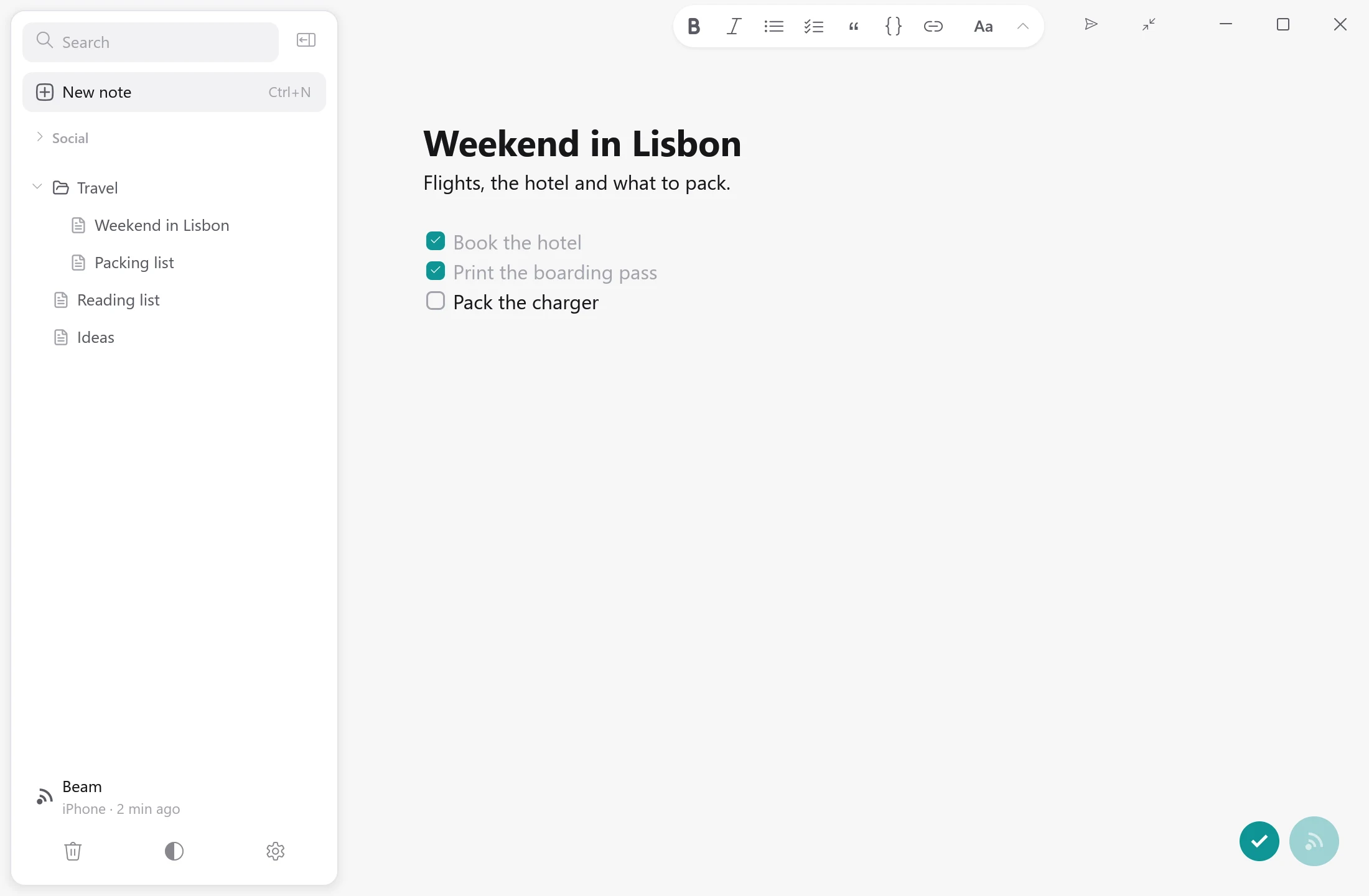
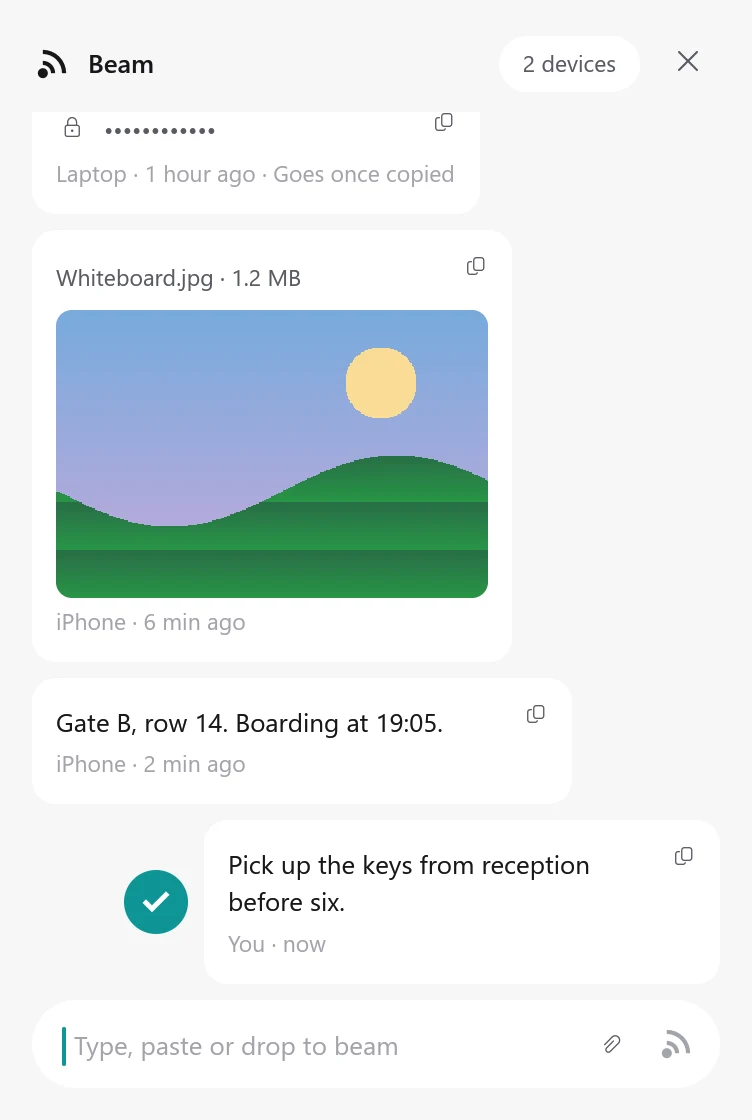
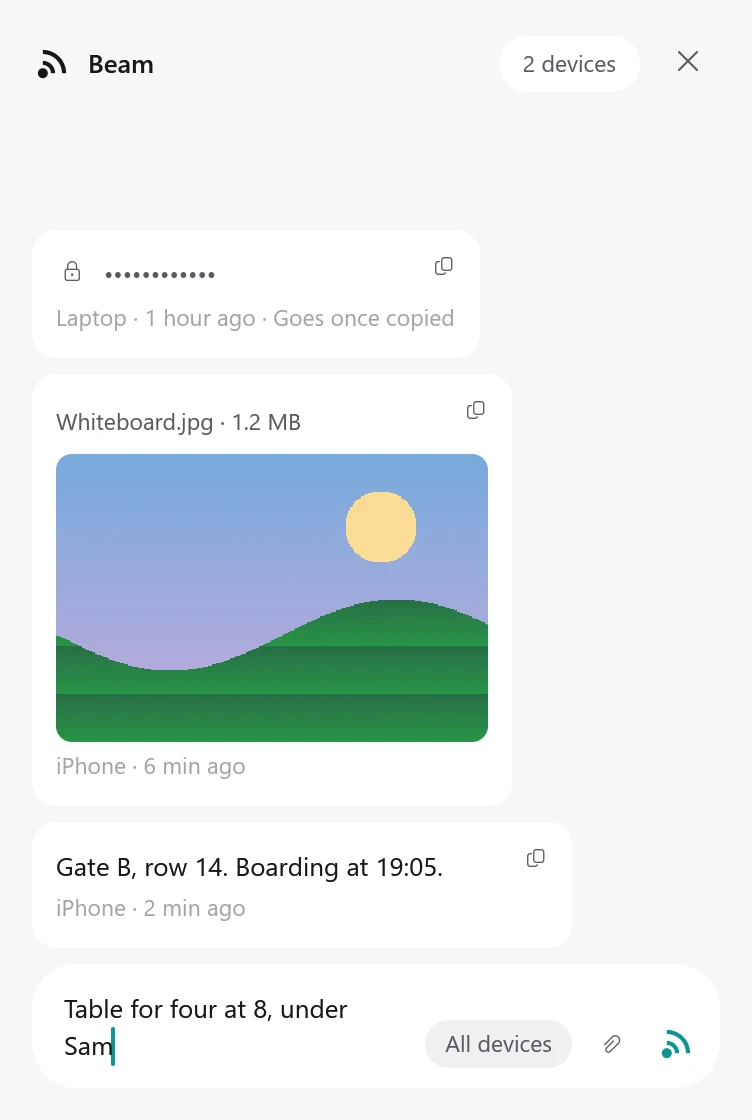
A Kolada note with the Beam button at the bottom right, showing a beam's check
Beam: a password, a picture and a text from other devices, and a beam just sent with its check
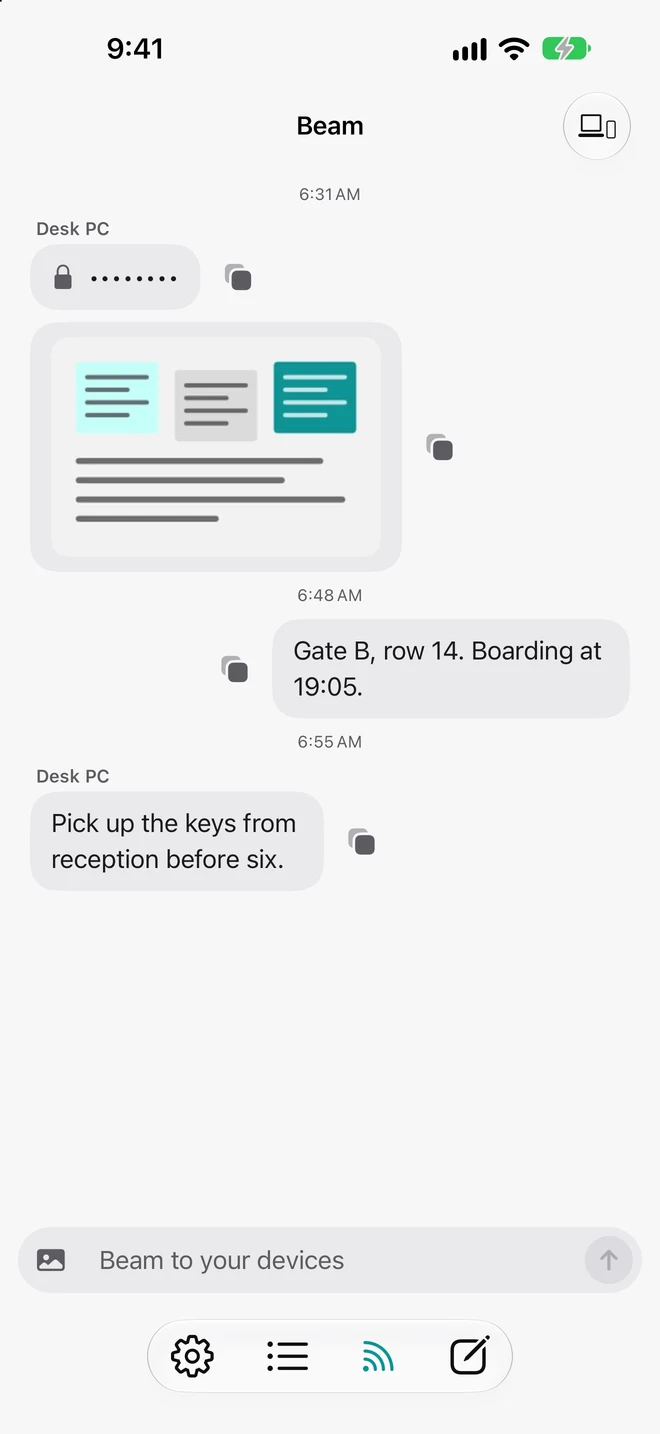
The Beam tab on iPhone: a password, a picture and a text from Desk PC, and a beam sent from the phone
  • AltZ on Windows
  • OptionZ on Mac
  • Share Kolada on iPhone

Stop messaging yourself.

Messaging yourself
Beam

Unlock, open the chat, find yourself, paste, send.

One shortcut.

A phone number and an account.

Nothing to sign up for.

Passwords left sitting in a chat.

Passwords copy once, then vanish.

Notes to self between your messages.

A quiet place of its own.

Your notes, on every device.

The devices you pair for Beam keep your notes in sync. Write on one, carry on on the other. If both change a note, nothing is lost: the other version waits in its history.

Simple. And private.

Pair once

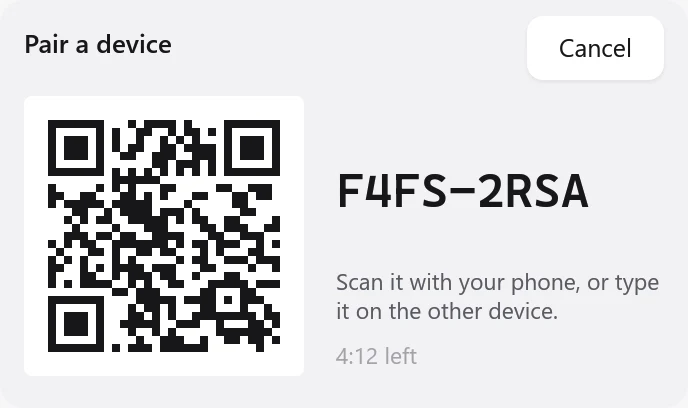
Scan a code with your phone. That’s the whole setup.

For your eyes only

End-to-end encrypted. Only your devices can read it.

You’ll know it landed

A teal check, the moment it arrives.

Passwords, safely

Hidden as dots. Copied once, then gone from the clipboard.

Type, paste or drop

Text, links and pictures, all the same way.

On every device you use.

A Kolada note with the Beam button at the bottom right, showing a beam's check

Questions

Do I need an account?
No. Pair your devices once with a code, and that’s it.
Is it private?
Yes. Everything you beam and every note you sync is end-to-end encrypted, so only your own devices can read it.
What can I beam?
Text, links, passwords and pictures.
Which devices?
Windows, Mac, Linux, iPhone and iPad. Kolada for iPhone and iPad is on the App Store.
Does Kolada sync my notes?
Yes. Pair your devices once, and your notes stay the same on all of them. If two devices change the same note, the other version is kept in its history.

The details are on the privacy page.